
A promotional image can look impressive and still be difficult to use. The headline may sit too close to the edge, the product may obscure the offer, or changing a date may require another round of generation.
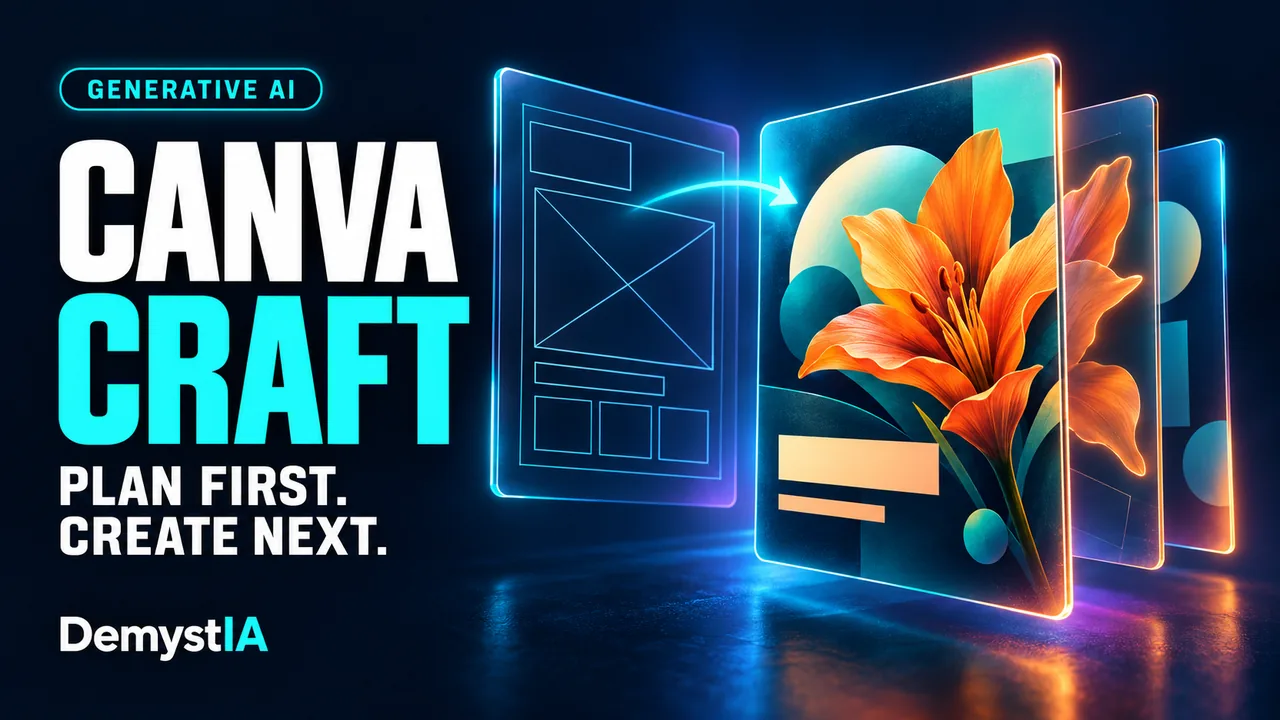
Canva’s new image model, Canva Craft, puts composition at the centre of its approach. Introduced in October 2026, it is Canva Research’s first image generation model built and trained from scratch.
For small businesses and creative teams, the practical question is how efficiently it turns a brief into a visual that can be corrected, adapted and published.
How Canva Craft plans an image
In its launch announcement, Canva describes two stages. A planning model interprets the prompt and specifies the composition, including the objects, their relative positions and sizes, visual hierarchy and text. A rendering model then produces the image.
Canva says this supports more precise placement, readable lettering and targeted changes. The announced output supports up to 2K resolution across more than 30 aspect ratios.
Those capabilities address a familiar design problem: deciding what the viewer should notice first. In a workshop poster, the title, illustration, date and booking information have different jobs. A technically attractive image can fail if it gives all four equal prominence.
Planning the composition could help establish those priorities earlier. Whether it does so reliably needs to be assessed with the actual briefs, languages and formats a team uses.
What a useful brief looks like
Consider a hypothetical business preparing a social post for a weekend workshop. Asking for “a beautiful workshop poster” leaves the model to invent much of the layout.
A more useful brief would define:
- The purpose: encourage bookings for one specific event.
- The reading order: workshop title first, date second, booking information third.
- The visual balance: a supporting illustration with enough space for the headline.
- The required words: exact wording, including spelling and punctuation.
- The delivery format: the intended shape and enough margin for the platform’s interface.
This is a recommended briefing method, not a prompt tested by DemystIA. It makes the output easier to judge because the intended result is explicit.
It also separates creative freedom from fixed requirements. A model might explore colours or illustration styles, while the event date and booking address must remain exact.
Where Magic Layers fits
A generated image and an editable design are different deliverables. Canva’s Magic Layers documentation describes a separate step that converts a flat image into elements users can select, move, resize or remove.
The help page lists single-page PNG and JPG inputs. It says the feature works best with graphic designs, illustrations and stylised visuals; complex or photorealistic images may separate less cleanly. PDFs, vector graphics and multi-page documents are outside its listed supported inputs.
For an event campaign, the useful test is therefore what happens after generation. Can the date be updated without disturbing the surrounding layout? Can the illustration be moved while preserving the background? Does the result remain manageable when a colleague opens it?
Keeping important campaign information in editable text elements also makes later revisions easier to control. A polished first image has limited value if each correction creates another difficult-to-review version.
How to access Craft
Canva says Craft is available globally to Canva users through Dream Lab. Its launch announcement marks Craft access through Canva MCP as coming soon, so that integration should be distinguished from access in the product.
For developers, the image generation API documentation currently lists CRAFT-1 2K as an available model. Requests run on behalf of a user and consume that user’s AI allowance.
The API returns results through an asynchronous job. A completed image can be downloaded or saved to the user’s Canva account. The documentation says download links and job results remain available for 24 hours.
For a team building a content workflow, that means generation needs a completion check and a step that retains the result. A finished request is only part of delivering an asset to the right project.
What access means for cost
Availability to Canva users should not be interpreted as unlimited generation. Canva’s pricing documentation explains that AI allowances depend on the subscription, tool category, task complexity and combination of tools used. Some tools share a monthly allowance, while qualifying paid plans treat certain Standard AI features differently.
Before costing a campaign, check the allowance applied to the actual workflow in the account being used. Generating an image, separating it into layers and preparing variants may involve different features.
The useful production measure is the cost of an approved visual. That includes unsuccessful attempts, corrections and the time someone spends reviewing the result.
We explore the same distinction between generated output and usable output in our guide to the real cost of an AI-generated video minute.
A practical evaluation for a small team
DemystIA recommends comparing Craft with the team’s existing process using a small set of real briefs. Preserve the same required text, brand references and delivery formats.
| Check | What to record |
|---|---|
| Text accuracy | Missing words, spelling errors and whether corrections remain stable |
| Composition | Reading order, margins and visibility at the intended display size |
| Editability | Time required to change one detail and prepare a second format |
| Production effort | Attempts, allowance consumed, review time and time to approval |
A successful test should include a revision after the first draft. Changing an offer or replacing an illustration can reveal friction that a single attractive sample hides.
For web publishing, inspect the exported file as well. Check its dimensions, compression and readability at the size visitors will actually see. Higher generation resolution does not remove the need to prepare an efficient delivery file.
What Craft changes for creative workflows
DemystIA’s assessment is that Craft makes the connection between generation and design production worth examining closely. Its planning approach addresses composition, while the surrounding editing tools determine how comfortably the output can move through revisions.
For businesses already using Canva, a contained trial can establish whether that combination saves work on recurring materials. The evidence to look for is consistent delivery across ordinary briefs and revisions, measured through the time and effort needed to approve the final design.