
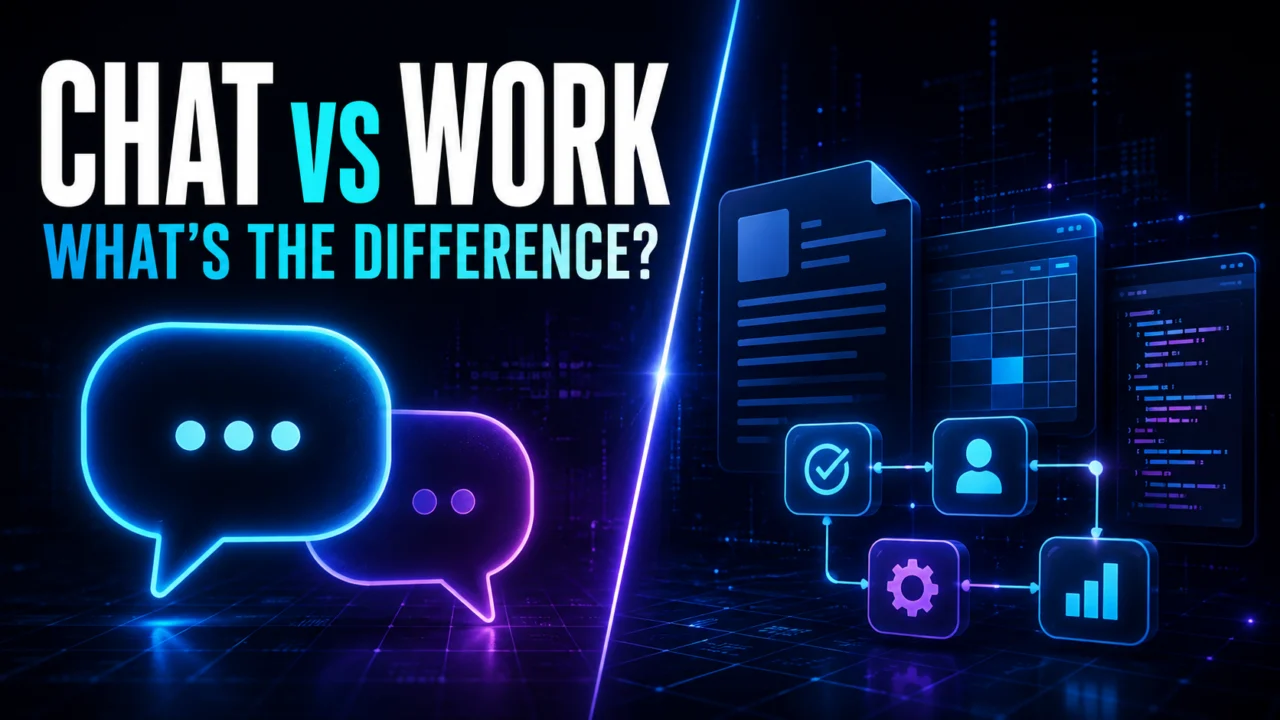
ChatGPT is no longer limited to a single conversational experience. Users can now choose between Chat, the familiar question-and-answer interface, and Work, a mode designed to take on more substantial assignments and produce a concrete result.
The distinction can be summarized in one sentence:
Use Chat when you want an answer. Use Work when you want a task completed.
That does not necessarily mean Work uses a more intelligent AI model. The main difference lies in how ChatGPT approaches the request, how many steps it can coordinate, which tools it may use, and what kind of output it is expected to deliver.
What is Chat mode?
Chat is the traditional way of using ChatGPT. You ask a question, receive an answer, add context, request changes, and gradually refine the result through conversation.
It works particularly well for short or exploratory tasks, including:
- asking for an explanation;
- brainstorming ideas;
- comparing a few options;
- summarizing information;
- rewriting a paragraph or message;
- outlining an article;
- getting advice before making a decision.
The user remains closely involved throughout the process. Each answer can shape the next prompt, making Chat useful when the destination is not yet fully defined.
This conversational experience remains a major part of the product’s identity, even as newer models prioritize professional reliability and task performance. Demystia explored that tension in its ChatGPT-5 review, comparing technical progress with the user experience.
For example, someone preparing an article about artificial intelligence might begin with:
“Give me five article ideas about practical AI tools for small businesses.”
They could then select one idea, change the angle, request an outline, and develop the article section by section. The work emerges progressively from the exchange.
What is ChatGPT Work?
ChatGPT Work is built around delegation. Instead of asking for the next answer in a conversation, the user describes a goal and asks ChatGPT to complete the steps required to reach it.
According to OpenAI’s official introduction to ChatGPT Work, the mode can use available files, plugins, and approved tools to retrieve information, run workflows, create finished files, and return work that is ready for review.
Work also fits into OpenAI’s broader push toward connected business tools and AI agents. Demystia previously examined that strategy in its overview of GPT-5 Pro, ChatGPT apps, and enterprise AI.
Depending on the platform, plan, permissions, and tools available, a Work task may be able to:
- review and cross-reference several documents;
- search for current information;
- analyze structured data;
- create or edit documents, presentations, spreadsheets, and PDFs;
- work with connected applications through plugins;
- execute code or commands in an authorized environment;
- produce downloadable files;
- handle scheduled or recurring workflows;
- report progress and request approval before important actions.
The user still controls the assignment, but at a different level. Instead of directing every intermediate step, they define the outcome, sources, constraints, output format, and actions that require confirmation.
A Work prompt for the same editorial project might look like this:
“Research the latest official information about how small businesses use generative AI. Write a 1,200-word article, include an SEO title and meta description, and create three LinkedIn post drafts. Use primary sources only and deliver everything in a Word document.”
ChatGPT can then organize the research, select relevant evidence, draft the content, check the structure, and create the requested file.
Chat vs Work: the key differences
| Feature | Chat | Work |
|---|---|---|
| Main purpose | Ask, understand, explore | Delegate and obtain a finished result |
| Interaction | Iterative conversation | Multi-step task execution |
| User involvement | Frequent guidance | Define the brief and review the outcome |
| Typical duration | Short | Potentially longer |
| Best input | A question or instruction | A goal, sources, constraints, and deliverable |
| Files | Occasional reading or analysis | Coordinated use and creation of files |
| Tools | Used when relevant and available | Combined across a broader workflow |
| Typical output | Answer, idea, or short draft | Report, deck, spreadsheet, document, file, or workflow |
Is Work mode more intelligent?
Not necessarily. Chat and Work may have access to comparable AI models, depending on the user’s plan and workspace configuration.
Work can nevertheless feel more capable because it is designed to spend more time and use more resources on a defined outcome. It can break an assignment into stages, operate on files, coordinate tools, and verify parts of the result before returning it.
The difference is similar to asking a colleague a quick question versus handing them a complete project brief. The colleague has not suddenly become smarter; they have been given a different mission, more context, and permission to carry out the necessary work.
This also means that Work does not eliminate the need for a clear prompt. A vague objective can still produce an unfocused result. The strongest assignments specify what success looks like.
What can businesses use ChatGPT Work for?
Work is most useful when a task involves several sources, multiple steps, or a reusable deliverable.
Content and marketing
- turn research notes into an article, presentation, and social posts;
- build an editorial calendar from strategy documents;
- compare campaign performance and prepare a summary;
- adapt one piece of content for several platforms.
Research and analysis
- compare products, services, or suppliers in a spreadsheet;
- consolidate information from several reports;
- extract key findings from large documents;
- create a structured report with risks and recommendations.
Software and web development
- inspect the files in a project;
- investigate the source of an error;
- modify code and run relevant tests;
- document a new feature;
- package a reviewed version of a website or plugin.
Administration and operations
- prepare for a meeting using authorized messages and documents;
- update a tracking file;
- monitor changing information and create recurring summaries;
- turn a repeated manual process into a documented workflow.
These examples illustrate the fundamental shift: ChatGPT is moving from generating isolated responses toward coordinating complete pieces of work.
That shift extends well beyond OpenAI. Cloud providers are also building infrastructure for agents that can coordinate tools and business processes, as shown by AWS AgentCore and its approach to enterprise AI agents.
When should you keep using Chat?
Work is not the better choice for every request. Chat remains faster and more natural when you need:
- a quick factual answer;
- a simple explanation;
- a short rewrite;
- early-stage brainstorming;
- advice rather than an artifact;
- a conversation that helps clarify what you actually want.
OpenAI’s guidance similarly recommends Chat for quick questions, short rewrites, and decisions that mainly require advice. Work is intended for substantial tasks involving multiple steps, sources, or tools, or tasks that need a completed deliverable.
A practical approach is to start in Chat while exploring the problem, then move to Work once the expected outcome is clear.
How to write a good Work prompt
A useful Work brief should answer five questions:
- What outcome do you want?
- Which sources or files should be used?
- What constraints must be respected?
- What format should the deliverable take?
- Which actions require your approval?
For example, a broad request such as “compare these three quotations and help me choose” can be improved to:
“Compare the three attached quotations by price, delivery time, warranty, and recurring costs. Create a spreadsheet with a score for each criterion, flag missing information, and finish with a reasoned recommendation. Do not contact any supplier.”
This version defines the inputs, evaluation criteria, output, and boundary of action. ChatGPT has more freedom to perform the work without having to guess what the user considers important.
Work mode still requires human review
Delegating execution does not mean delegating responsibility. AI-generated work should still be reviewed before it is published, shared, or used to make an important decision.
Users should continue to:
- verify important figures and factual claims;
- inspect the sources behind conclusions;
- review documents before distribution;
- provide access only to the data required for the task;
- require confirmation before sensitive or difficult-to-reverse actions.
OpenAI also notes that capabilities and controls vary according to the plan, platform, available tools, and workspace policies. On the web, Work tasks run in a cloud environment rather than directly on the user’s computer, while the desktop experience may support local files and applications when those tools are available. More detail is available in the company’s ChatGPT Work security overview.
Longer or more complex assignments may also consume more credits because the system performs more operations on the user’s behalf. Work is therefore best judged by the value of the completed deliverable, not simply by the number of prompts it replaces.
Two complementary ways to use ChatGPT
Chat and Work are not competing products. They represent two stages of working with an AI assistant.
- Chat helps you think, understand, and decide.
- Work helps you research, produce, and verify.
For quick questions and evolving ideas, conversation remains the most efficient interface. When the goal is clear and the job requires several steps or a finished file, Work becomes the more appropriate choice.
The arrival of this mode also shows where consumer AI products are heading. Chatbots are gradually becoming work environments capable of using context, files, and connected tools to complete practical assignments under human supervision.
The same trend is reshaping other assistants: Gemini Live is also evolving from a voice interface into a more agentic AI, reflecting an industry-wide move from conversation toward action.
The important question is no longer only what an AI can say. It is increasingly what the AI can produce—and how reliably a person can review and control the result.