
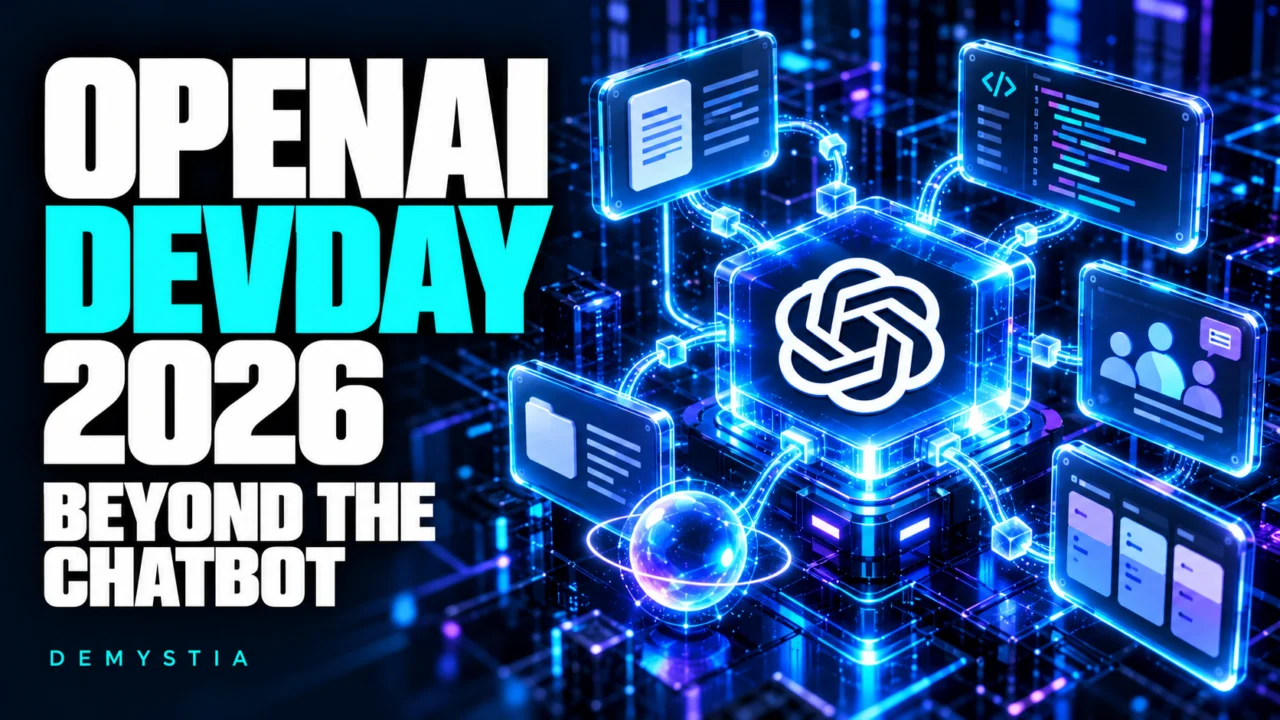
OpenAI held DevDay 2026 on September 29 in San Francisco, presenting more than 20 announcements across ChatGPT, Codex and its developer platform. The event’s most revealing theme was the combination of ongoing agents, shared project spaces and tools that let AI act across software.
Our reading of these announcements is that OpenAI wants ChatGPT to become a place where work is carried out and maintained over time. For users and businesses, that creates opportunities—but it also makes permissions, costs and the quality of completed tasks much more important.
Dots: AI agents that keep working between conversations
Dots are OpenAI’s new always-on agents. According to its documentation, they are powered by GPT-6 Astra, run in the cloud with their own computer and browser, and can continue working when a user’s computer is switched off.
The intended relationship is ongoing: give a dot a goal, supply context and define which actions the AI agent may perform. It can bring back results and ask for a decision when human judgment is needed. OpenAI lists research, data analysis, document preparation and software development among its capabilities.
A possible use case is maintaining a project brief as information changes. The value would come from preserving context and following through, rather than requiring someone to restart the same task every morning. This is an illustrative scenario, not a DemystIA performance test.
Dots are rolling out gradually. A launch announcement should not be read as confirmation that every account or region already has access.
Space and Pages: a shared place for people and AI
ChatGPT Space brings pages, files and shared work together. Pages are editable documents where users can write directly, request revisions from ChatGPT and collaborate with other people.
The practical distinction is between a conversation that discusses a deliverable and a document that becomes the deliverable. A team could maintain a project plan, research brief or handbook in one place, with colleagues contributing changes and feedback.
This could reduce the friction of moving drafts between chat windows and separate editors. Whether it does so in practice will depend on how well it fits an organisation’s existing workflow.
Sharing also deserves attention: OpenAI’s documentation says that copying or summarising content onto a page makes that content visible to people who can access the page. The permissions of an original source do not automatically protect a copied summary.
GPT-6.1 Sol: complex work at a lower price than Astra
OpenAI introduced GPT-6.1 Sol, its new model for complex work, as an upgrade focused on coding, computer use and professional work. The company describes its performance as close to Astra’s, at one-fifth of Astra’s standard input and output token prices.
Its standard API pricing is $2 per million input tokens and $10 per million output tokens. Those figures refer to API consumption, not the price of a ChatGPT subscription. Processing options, tool use and other billing conditions can change the total.
For teams, the potential benefit is a more economical model for recurring complex tasks. However, as our analysis of Claude Sonnet 5.5 and cost per completed task explains, a lower token tariff does not establish a lower cost per finished job. Corrections, retries and human review still count.
Codex: more work can happen in the cloud
The DevDay updates include reusable Codex cloud environments. Developers can describe their setup, let Codex prepare and test it, then reuse the prepared filesystem in isolated task workspaces. Cloud tasks can continue while the developer’s computer sleeps.
OpenAI also highlighted code review improvements and Codex Security Cloud, which scans connected repositories and helps investigate findings and prepare fixes. Security Cloud is described as a research preview in the product documentation.
These changes could make it easier to delegate a well-defined development task without keeping a local session active. A prepared environment is especially useful when several tasks require the same dependencies and tools.
The review standard remains the same: a proposed code change needs to satisfy the project’s requirements, pass relevant checks and receive appropriate review before it becomes part of a production system.
Developer tools are becoming part of the workspace
OpenAI announced Agents API computer use, allowing developers to build agents that interact with software interfaces. It also introduced a Decisions API in limited preview for questions with predefined possible answers, such as classifying content or routing a request.
Plugin extensions add interactive panels and file viewers to ChatGPT. MCP events support automations triggered by changes in connected services. Our guide to how MCP connects AI assistants to external tools explains the underlying connection model. OpenAI also expanded Sign in with ChatGPT and plan usage in participating third-party tools.
These capabilities point toward a broader ecosystem: specialist software can supply the controls and domain knowledge, while an agent handles parts of the workflow.
For developers, this is an opportunity to build around a concrete job—preparing a report or processing a request, for example. The integration still needs clear access boundaries, dependable outputs and a way to recover when an action fails.
Faster generation does not mean faster completion in every case
OpenAI’s Ultrafast tier aims to accelerate output-token generation. The company reports gains of up to eight times in Codex and six times in the API. These are OpenAI’s figures for generation speed, not a guarantee that an entire workflow finishes that much faster.
A task may also involve browsing, waiting for tools, running tests or asking for clarification. Those steps can dominate its duration. Speed should therefore be measured from the initial request to an accepted result.
What users should take away from DevDay
The most useful starting point is one bounded workflow with a clear definition of success. Give the system the sources it needs, state which actions it may take and decide where human approval is required.
Then compare the result with the current process. Track quality, time saved, corrections and total usage. A convincing demonstration is a reason to test a product, rather than proof that it will work equally well with every company’s data and software.
DevDay 2026 shows OpenAI pursuing a platform that combines models, agents, documents and connected tools. Its practical significance will be determined by how reliably those pieces work together on real tasks.