
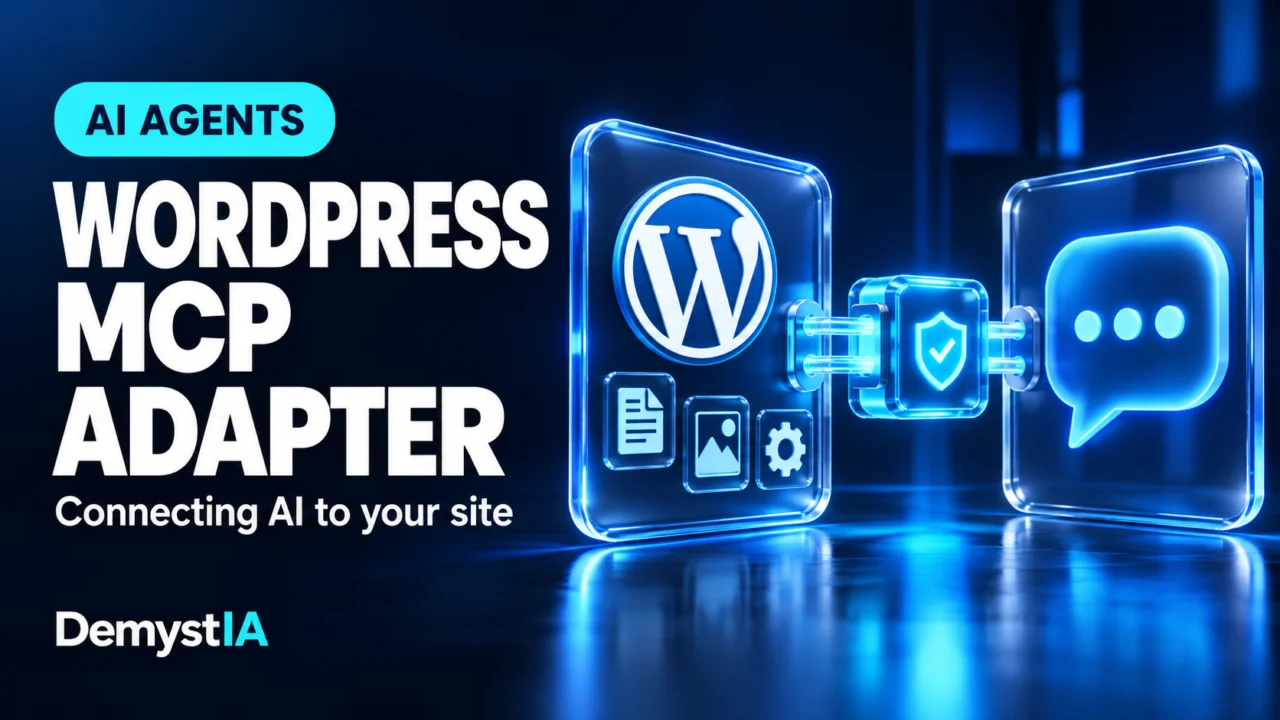
An AI assistant can suggest a better article title without accessing your website. Checking the title currently stored in WordPress, finding related posts or saving an approved draft requires a connection to the site—and suitable operations on the other side.
WordPress MCP Adapter provides part of that connection. Available in the WordPress.org plugin directory, it links WordPress abilities to applications that support the Model Context Protocol, or MCP.
The directory lists version 0.7.1, dated October 15, 2026. The project itself is older: the WordPress Developer Blog published an official introduction in February. This is a useful moment to examine the current setup, rather than treat the latest update as the invention of the underlying technology.
What does MCP Adapter actually provide?
The adapter is a communication layer. Its plugin listing explicitly says that it does not supply AI features by itself.
The WordPress developer introduction describes how it makes registered site capabilities available through MCP. The parts have different jobs:
| Part | Role |
|---|---|
| AI application | The interface where a person gives the assistant a task. |
| MCP Adapter | The connection layer through which a compatible client discovers and calls exposed WordPress capabilities. |
| WordPress ability | A defined operation registered by WordPress or a plugin. |
| Site implementation | The code that carries out the operation and checks whether it is permitted. |
The developer documentation describes a discovery process: the assistant can list available abilities, inspect one and then execute it. That is different from giving the assistant unrestricted access to every screen in the WordPress administration area.
Our MCP explainer covers the broader distinction between connecting an assistant to a service and exposing particular operations.
What is a WordPress ability?
The Abilities API introduced in WordPress 6.9 gives developers a standard way to describe executable functionality. An ability includes a name, input and output definitions, permission checking and the code that performs the work.
In everyday terms, it is a defined action with an agreed input and result. A hypothetical ability might accept a post identifier and return that post’s stored metadata.
Good definitions reduce ambiguity. “Read the excerpt for post 123” describes a bounded operation. “Improve my website” is a goal that may require several operations, some of which the site might not expose.
The API provides a framework for implementing those operations. It does not establish that every installed plugin has adopted it.
What could an assistant do with the connection?
The answer depends on the abilities actually available. These are illustrative possibilities, not a list of features automatically installed by MCP Adapter:
| Possible task | What the site would need to expose |
|---|---|
| Prepare a content inventory | An operation returning the relevant posts, URLs and fields. |
| Review SEO metadata | Access to the metadata managed by the site’s SEO implementation. |
| Save an article draft | A draft-creation operation with suitable content fields and permission checks. |
| Summarize store activity | Appropriate reporting operations exposing the required commerce data. |
A site owner should therefore ask which abilities a plugin provides, which fields they support and which actions they can perform. A general claim of “AI compatibility” leaves those practical questions unanswered.
For example, reading ordinary post content does not establish that a tool can safely update data stored by a particular page builder. The operation needs to understand the data it is expected to change.
Exposed does not mean available to everyone
The plugin directory says MCP exposure is opt-in and that permission checks still apply. In this context, marking an ability as public for discovery should not be confused with authorizing anonymous visitors to execute it.
The Abilities API documentation separately explains authenticated REST access and per-operation permission checks. An input definition also helps validate the data passed to an operation.
Those mechanisms address different questions: who is making the request, whether the operation is available to that connection, and whether that user may perform it.
For a site owner, a useful review starts with the actual action. Reading a published article, changing its title and deleting it have different consequences. They should not be treated as one interchangeable permission simply because an assistant can describe all three in natural language.
Which AI applications can connect?
The project’s site-owner guide describes connections using a WordPress username and an Application Password. It covers desktop clients using a local helper and clients supporting direct HTTP connections.
It also identifies an important limitation: the web versions of Claude and ChatGPT use OAuth-based connector sign-in. According to the guide, MCP Adapter does not add an OAuth server, so it cannot supply that connection on its own. An additional compatible authentication setup is needed.
This distinction matters when reading product demonstrations. A working desktop configuration is not evidence that entering the same endpoint into a browser-based assistant will work.
Check the chosen application’s connection requirements alongside the site’s authentication method. The transport, sign-in flow and operations exposed by the server all need to fit the intended workflow.
What do you need on the WordPress side?
At the time of checking, the directory lists WordPress 6.9 or newer and PHP 7.4 or newer as minimum requirements. The adapter must be active, and useful operations need to be supplied and exposed by the site.
The site-owner guide specifies HTTPS for the usual remote Application Password setup and recommends a dedicated WordPress account with permissions appropriate to the work. It also explains how individual Application Passwords can be revoked.
A separate account makes the relationship easier to manage: the assistant’s access can be considered independently of the account a person uses for normal administration.
There is no reason to assume that an administrator role is necessary for every task. The appropriate permissions follow from the operations the workflow requires.
A useful first trial: review a small set of articles
Consider a hypothetical publisher checking whether recent posts have excerpts and consistent metadata.
A focused request could ask the assistant to examine five specified articles, report the fields returned by the site and prepare a list of suggested corrections. The initial result would be a report, with no changes saved.
The publisher could then compare the findings with WordPress:
- Did the assistant identify the intended posts?
- Do the returned values match the stored fields?
- Are missing fields distinguished from fields the integration cannot read?
- Are proposed edits clearly separated from changes already made?
This is an editorial trial suggestion, not a verified MCP Adapter workflow. Its purpose is to make both the connection and the quality of the resulting work observable.
Why a connection can work while the task still fails
The site-owner guide explains that successful discovery may return an empty or limited ability list. That can indicate missing exposure rather than a failed connection.
It helps to separate three outcomes: the client cannot connect, the connection works but the required operation is absent, or an available operation refuses execution.
Those cases call for different checks. Retrying a prompt cannot create a missing ability. Changing the wording of a request cannot replace the permission required by an operation.
For a publishing workflow, there is a further distinction between creating a draft and making it public. The desired post status, fields and review stage should be explicit before a write operation is used.
Our guide to delegating actions to AI agents explores how to define that boundary around a specific task.
What this changes for site owners
Our reading is that MCP Adapter gives WordPress developers a common route for making site functionality usable from AI applications. Its value comes from the combination of a compatible client, well-defined abilities and correctly implemented access controls.
For publishers and businesses, the useful starting question is concrete: which recurring task can the integration complete with less manual work and a result someone can verify?
A plugin installation is only part of that answer. The stronger evidence is a successful workflow that reads the right information, performs the intended operations and reports what actually happened.
Sources
- WordPress.org — MCP Adapter, current listing, requirements and version 0.7.1 changelog.
- WordPress MCP Adapter — Site-owner guide, connection methods, authentication and troubleshooting.
- Make WordPress Core — Abilities API in WordPress 6.9, November 10, 2025. Foundation and permission model.
- WordPress Developer Blog — From Abilities to AI Agents, February 4, 2026. Architectural background; current setup details are taken from the listing and site-owner guide.
Information checked October 16, 2026. This article analyzes official documentation; the example tasks are illustrative and do not represent a hands-on deployment test. Client compatibility and plugin behavior can change.