
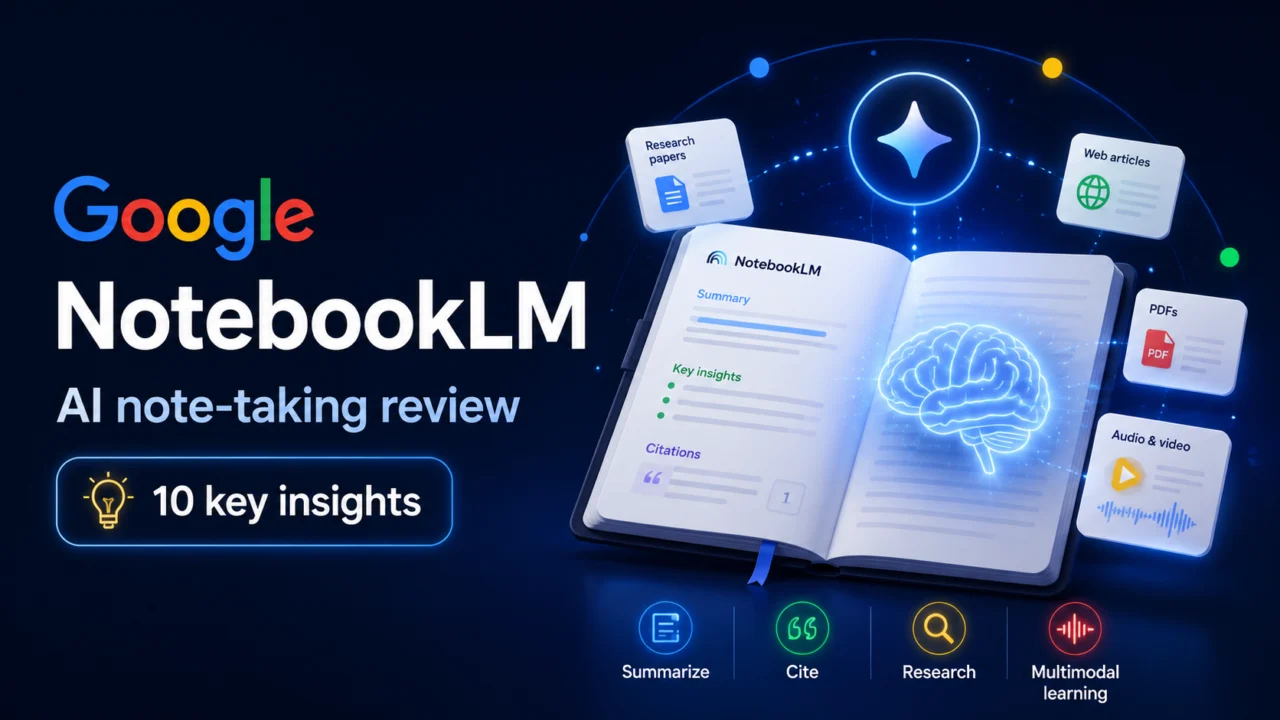
NotebookLM by Google is redefining how we process and organize information. This AI-powered research assistant combines advanced analysis, natural interaction, and multimodal generation to boost your productivity. Let’s explore how NotebookLM stands out in 2025.
1. What makes notebooklm different from other note-taking tools?
NotebookLM stands out with its AI-powered data analysis, capable of handling up to 50 sources with 500,000 words each. It can generate summaries, FAQs, and study guides automatically from your uploaded sources.
Unlike traditional apps, it provides context-aware answers tailored to your documents. Its audio summary feature transforms long documents into natural two-voice conversations. In addition, Google recently added AI video generation in 80 languages—making NotebookLM a true multimodal assistant.
“NotebookLM transforms the way we interact with information. Its contextual intelligence and multimodal approach make it one of the best AI tools for 2025.” — Jérôme Henry, AI Consultant at Dixie Consulting
2. How does notebooklm handle privacy and security?
Google designed NotebookLM with a strong focus on data privacy. The model only accesses sources you choose and creates static copies without altering originals. Uploaded files and generated answers are not used to train the model or accessible to Google teams.
Since the launch of NotebookLM Plus in December 2024, business users benefit from advanced security features and enterprise compliance. However, users should still avoid uploading copyrighted or confidential data.
3. What file types does notebooklm support?
NotebookLM supports Google Docs, Slides, PDFs, text, Markdown, web URLs, and YouTube links. It can even process audio files in multiple languages—making it one of the most versatile tools on the market.
4. How does notebooklm organize and structure notes?
Its auto-generated overview summarizes key topics and questions instantly. A smart sorting system allows structured organization, while collaborative notebooks make teamwork effortless. Since May 2025, a dedicated mobile app for Android and iOS helps users manage notes on the go.
👉 Learn more in Google’s announcement: Introducing NotebookLM
5. What are the current limitations?
Each source is limited to 500,000 words or 200 MB, with a maximum of 50 sources per notebook. CSV and Excel files are not supported, and some languages may still have limited compatibility. The free version remains experimental, while NotebookLM Plus offers better stability for professionals.
6. How does notebooklm use ai to enhance note-taking?
Powered by Google Gemini Pro 1.5, NotebookLM delivers deep comprehension and intelligent summarization. It connects insights across documents, answers complex queries, and adapts its tone and style to user preferences—making it a true digital research partner.
“NotebookLM doesn’t just summarize—it analyzes and connects ideas intelligently. It’s like having your own research assistant.” — Jérôme Henry, AI Consultant at Dixie Consulting
7. Is notebooklm free or paid?
NotebookLM is now available in over 200 countries. The free version offers core features for individuals and students, while NotebookLM Plus ($20/month) includes premium options such as video creation, audio summaries, data insights, and enterprise-grade security.
8. How can notebooklm be used in education or research?
Students can use NotebookLM to synthesize information from multiple documents, while researchers can explore cross-document relationships and build personalized study guides. The audio mode turns dense academic material into conversational learning experiences—perfect for revision or lectures.
9. What collaboration features are available?
NotebookLM supports shared notebooks, real-time editing, shared annotations, and edit history tracking. The mobile app ensures seamless collaboration on the move. The Plus version adds enhanced control and security for teams.
10. How does notebooklm compare to other ai note-taking tools?
NotebookLM outperforms most AI note-taking tools with its multi-source analysis, tight Google integration, and inline citation verification. It also stands out by generating audio and video content—a unique feature that bridges productivity and creativity.
Unlike visual AI tools like Midjourney, NotebookLM focuses on deep document understanding. For image generation, Google’s latest experiment—Nano Banana vs Midjourney—shows impressive speed and innovation.
Notebooklm: rethinking note-taking for the ai era
Combining Google Gemini Pro 1.5 with a clean, intuitive interface, NotebookLM represents a major step forward in intelligent information management. With its collaboration tools, audio features, and seamless Google integration, it’s becoming an essential productivity companion for 2025.
Whether you’re a student, researcher, or professional, NotebookLM gives you a smarter, faster way to think, learn, and create.